
Connect Telegram
Creating a Telegram Bot
Section titled “Creating a Telegram Bot”-
Open Telegram application
-
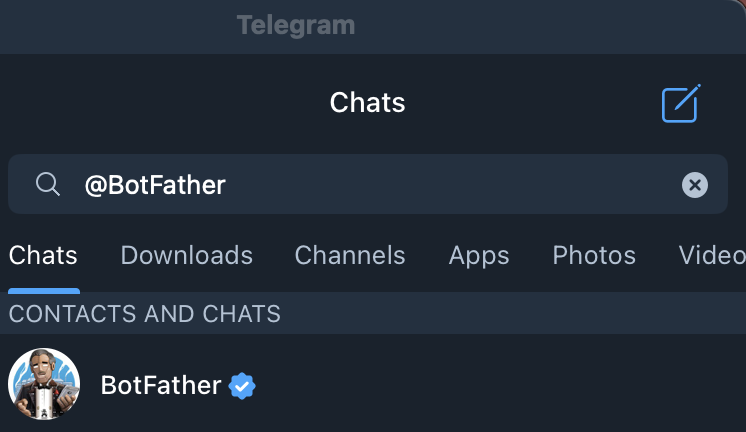
Enter in the search bar @BotFather
-
Click the BotFather
-
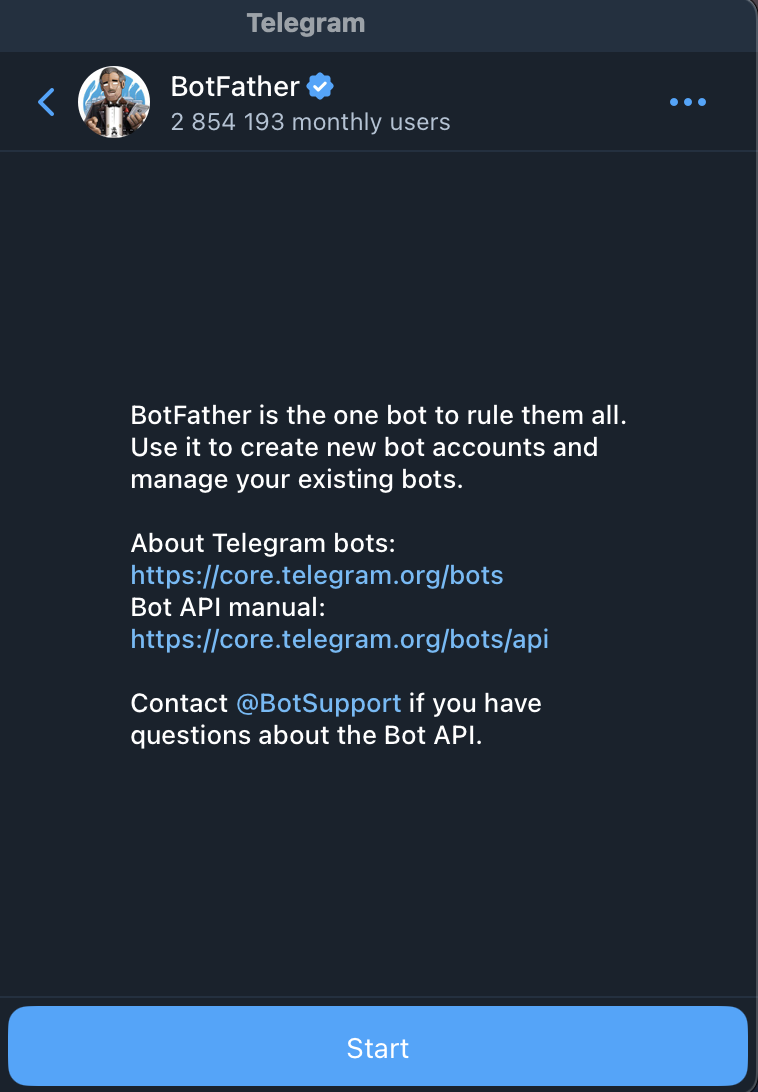
Click the Start button
-
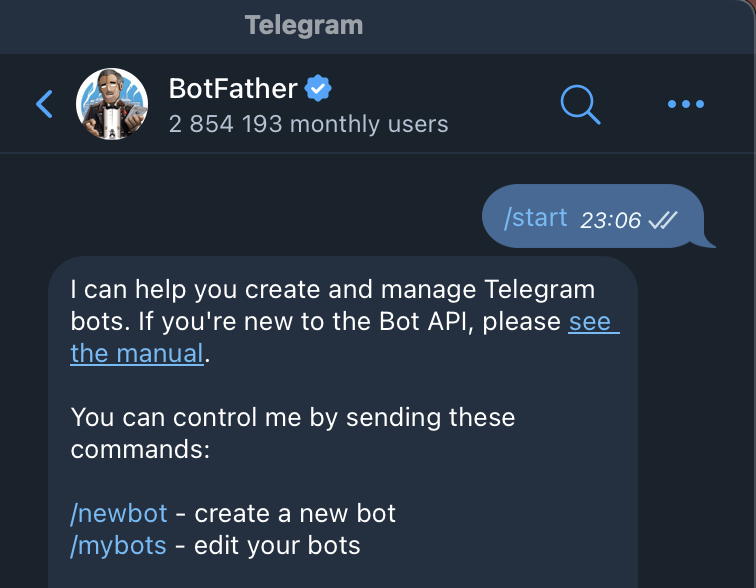
Click /newbot
-
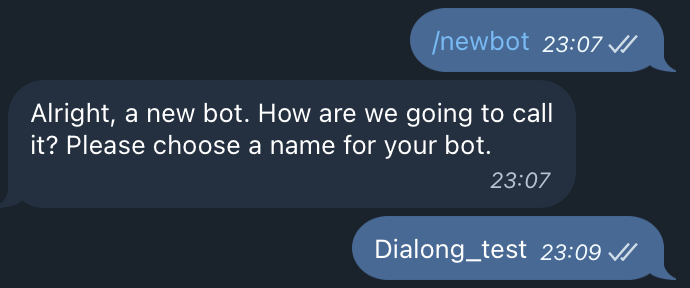
Enter the name you want to give your bot and send it
-
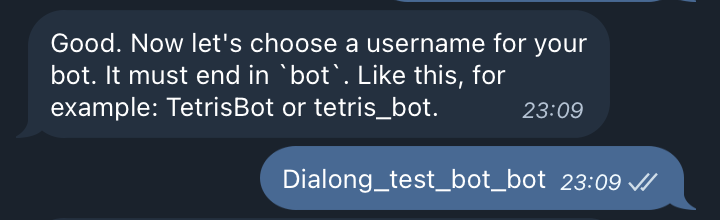
Choose a username for your bot
-
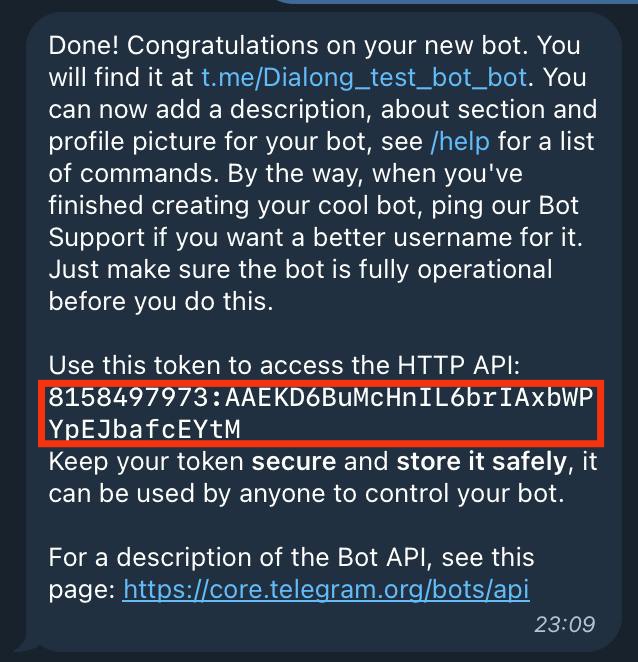
Click at the token to copy it
Another method to find your Token
Section titled “Another method to find your Token”-
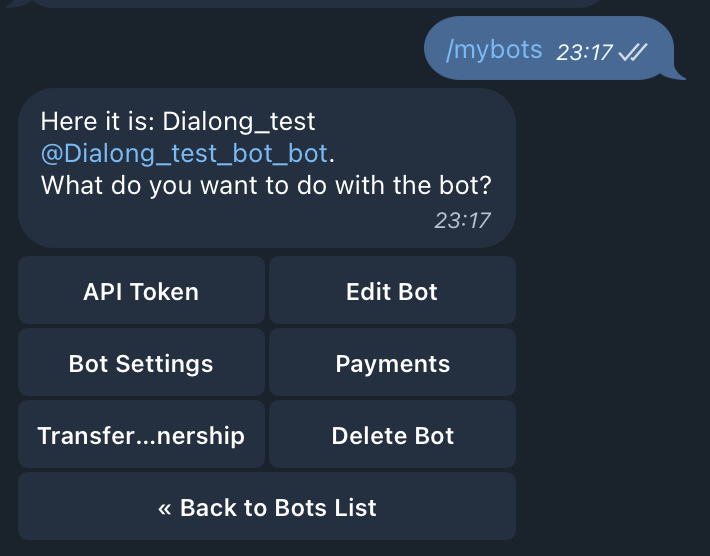
Click /mybots
-
Choose your bot from the list
-
Select API Token to copy Token
-
You can select other options if needed
Channel Configuration in Creatio
Section titled “Channel Configuration in Creatio”-
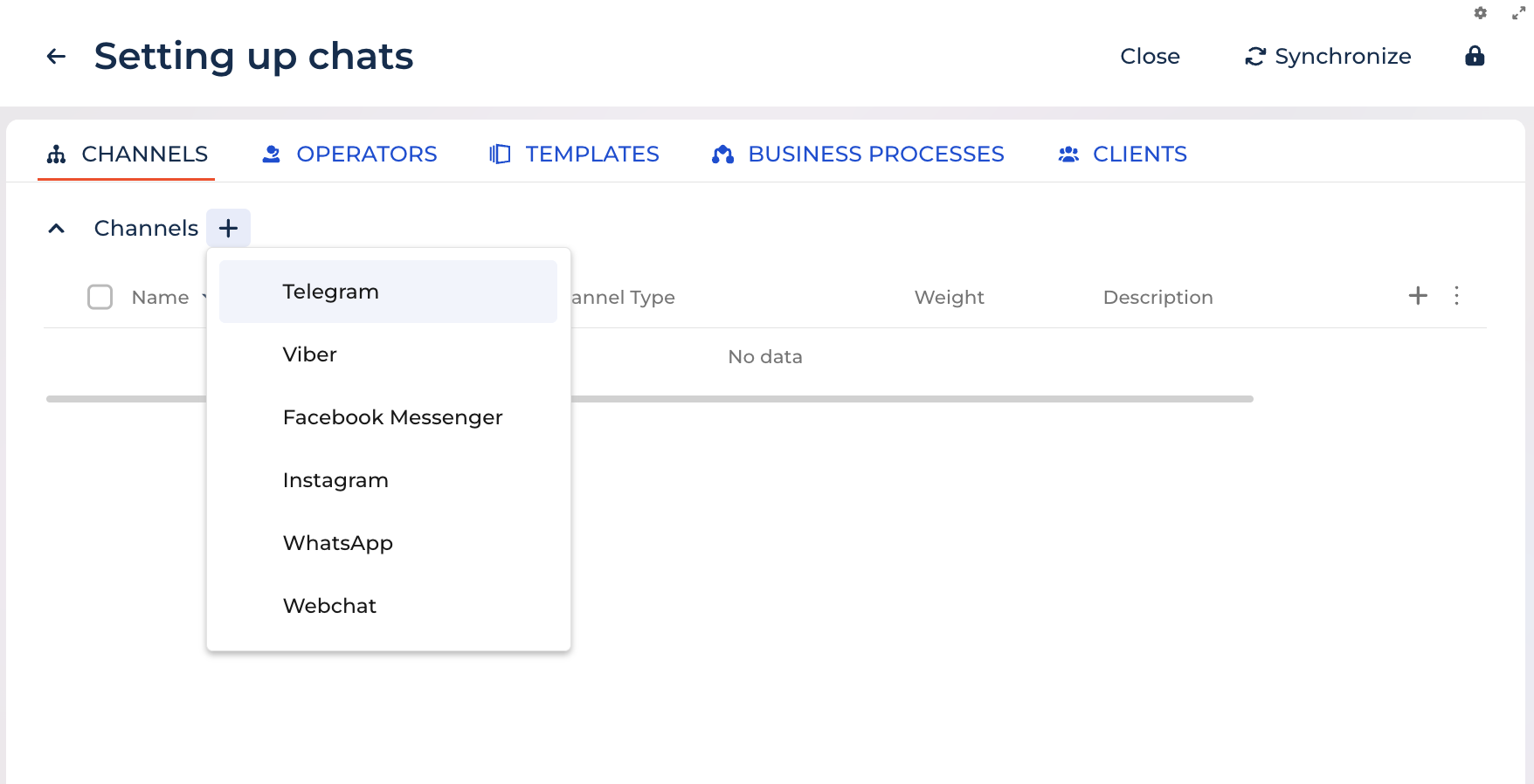
Click the ✚ icon next to Channel
-
Choose Telegram
-
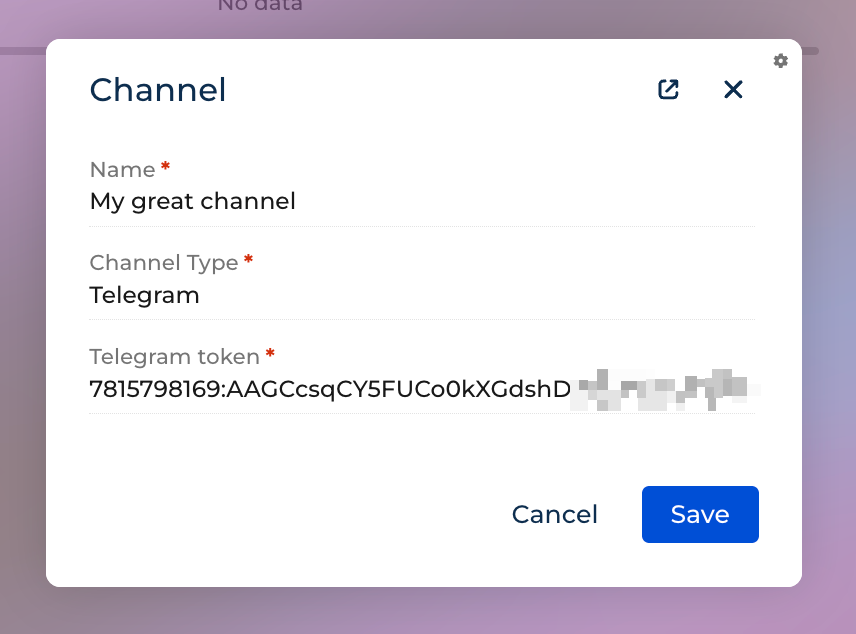
Enter Name of your channel
-
Enter/paste Telegram Token
-
Click the Save button
Next steps are described here: Channels